


|
|
|
|
|
1.Enter the URL you see the following screen
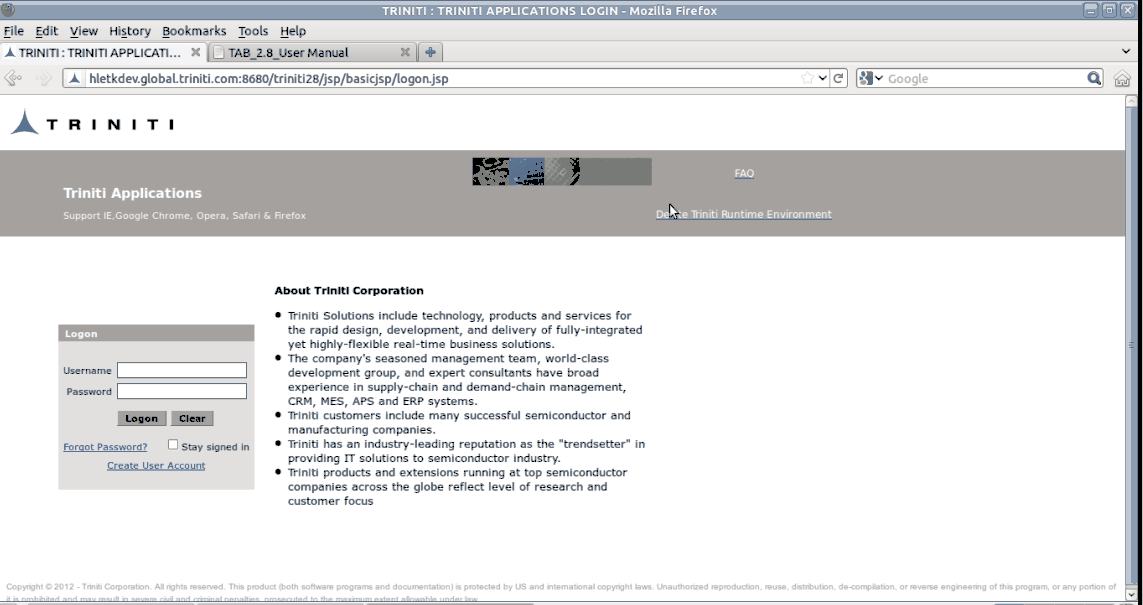
Figure:322
2. Login with your Credentials

Figure:323
3. Select the required Role
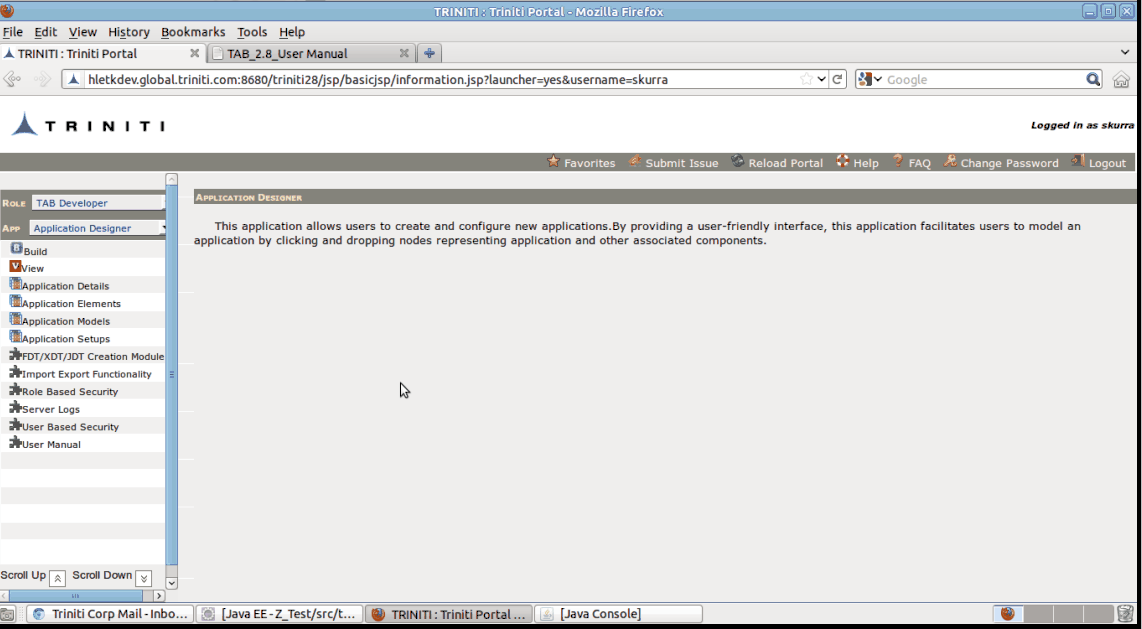
Figure:324
4.Select Triniti Corporation application as shown below.
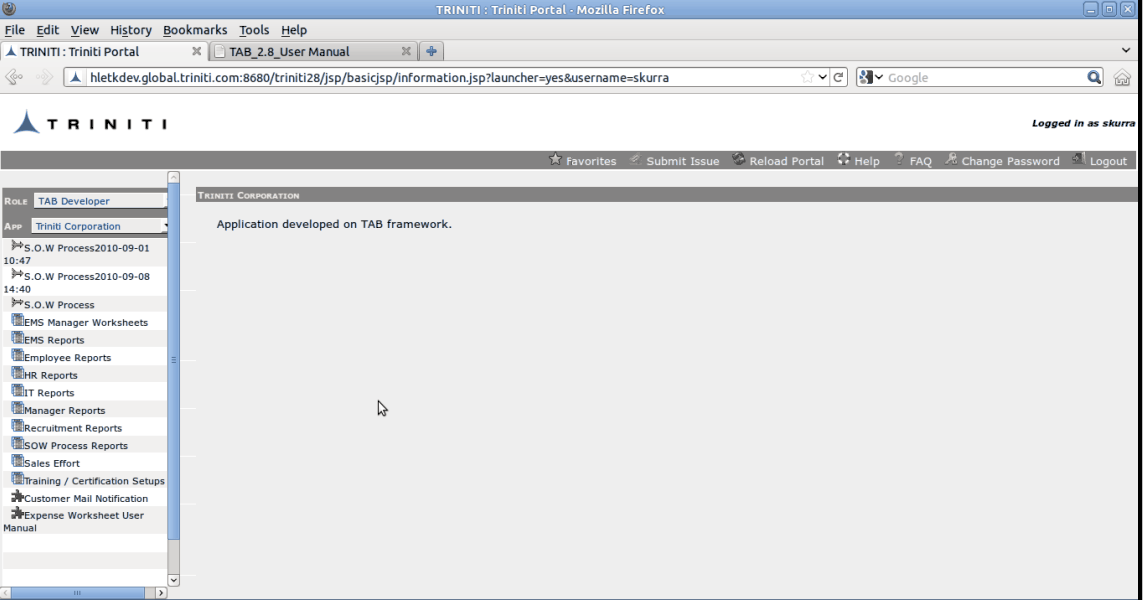
Figure:325
5. Select Customer Mail Notification CustomSet. The following Screen appears.
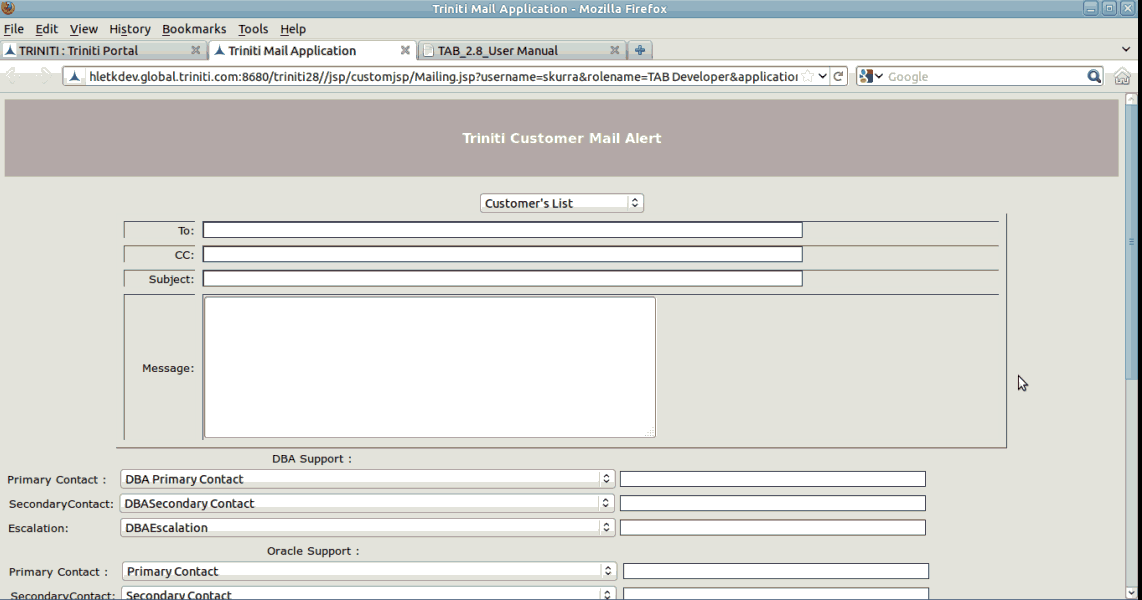
Figure:326
6. Select Customer'sList to get all the details of the selected Customer as shown below.
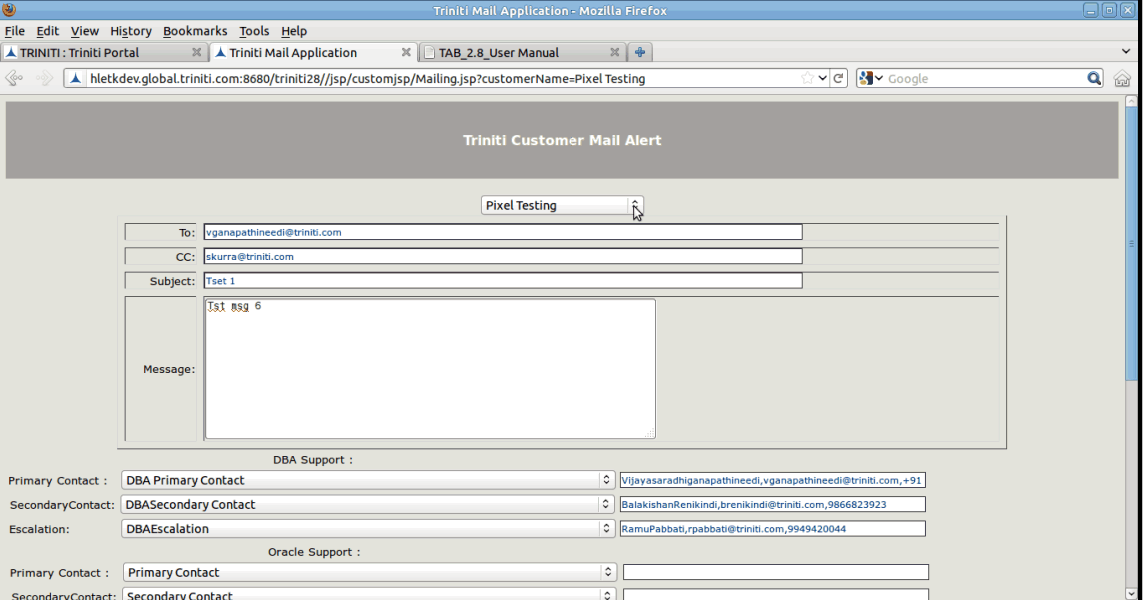
Figure:327
7. Select Preview Button to view the preview of the message and SendNotification button to send mail notification to client
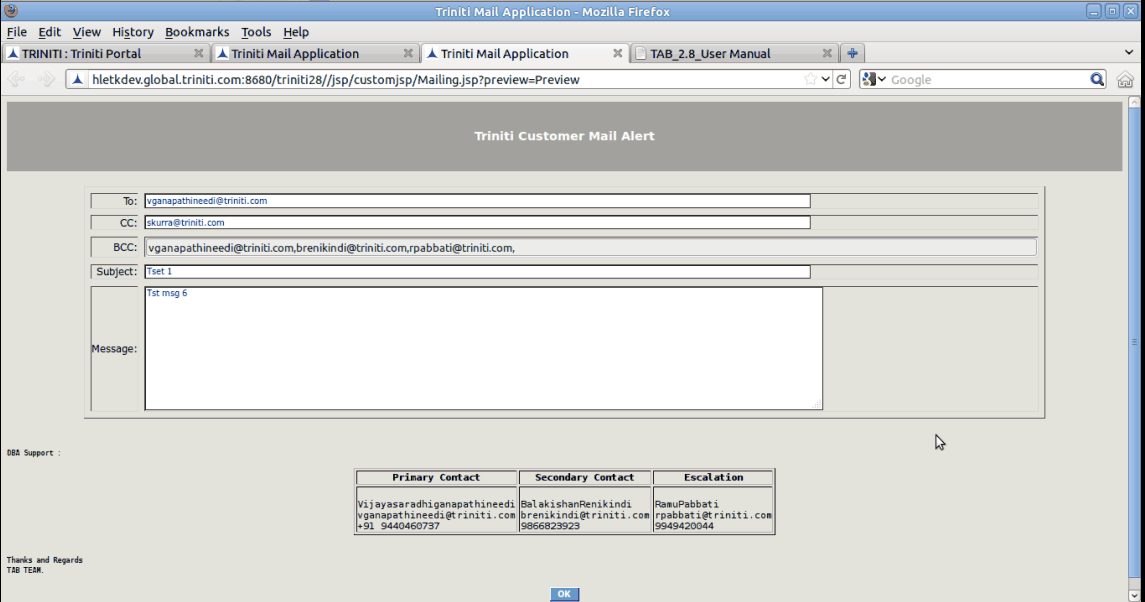
Figure:328