


|
|
|
|
|
Swimlanes can be used by following the below steps.
1)Select the Workflow Designer Application and click on Build.
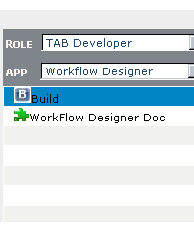
Figure 362:
2)Go to Tools-->Models-->Swimlanes as shown below.
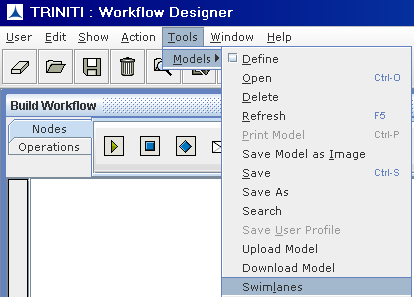
Figure 363:
3)Click on Swimlanes the following screen is appeared.
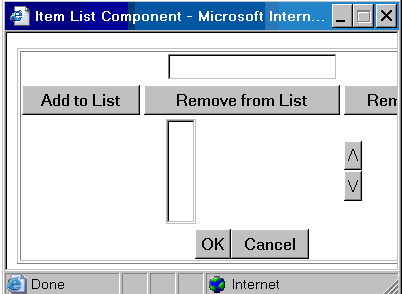
Figure 364:
4)Enter the Swimlanes and click on Add to List one after another.
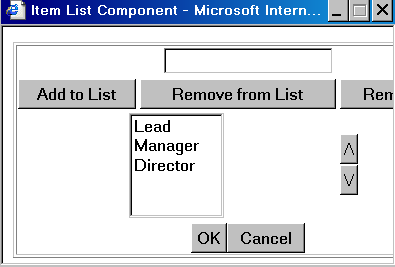
Figure 365:
5)Click on OK button the Swimlanes Area is created as shown below.
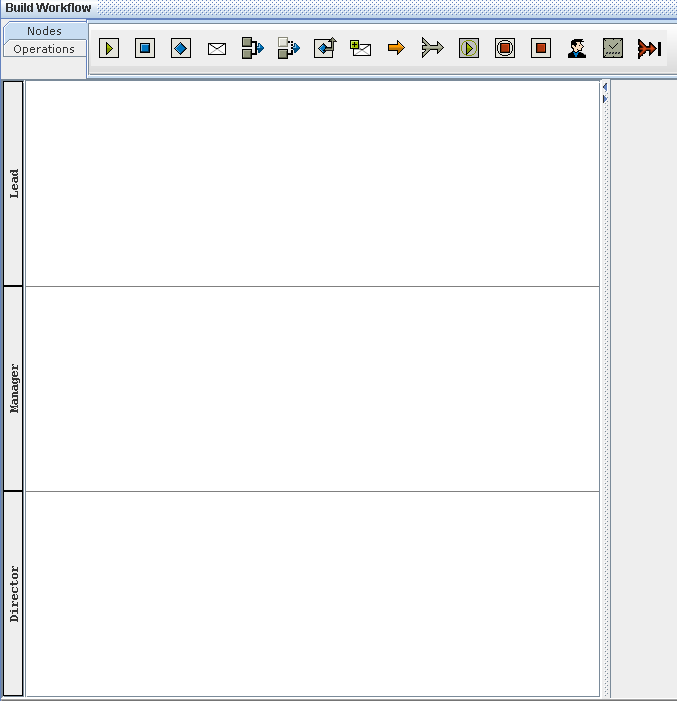
Figure 366: